Desk Lamp Photobiological Safety: Standards Explained
6th May•8 min read
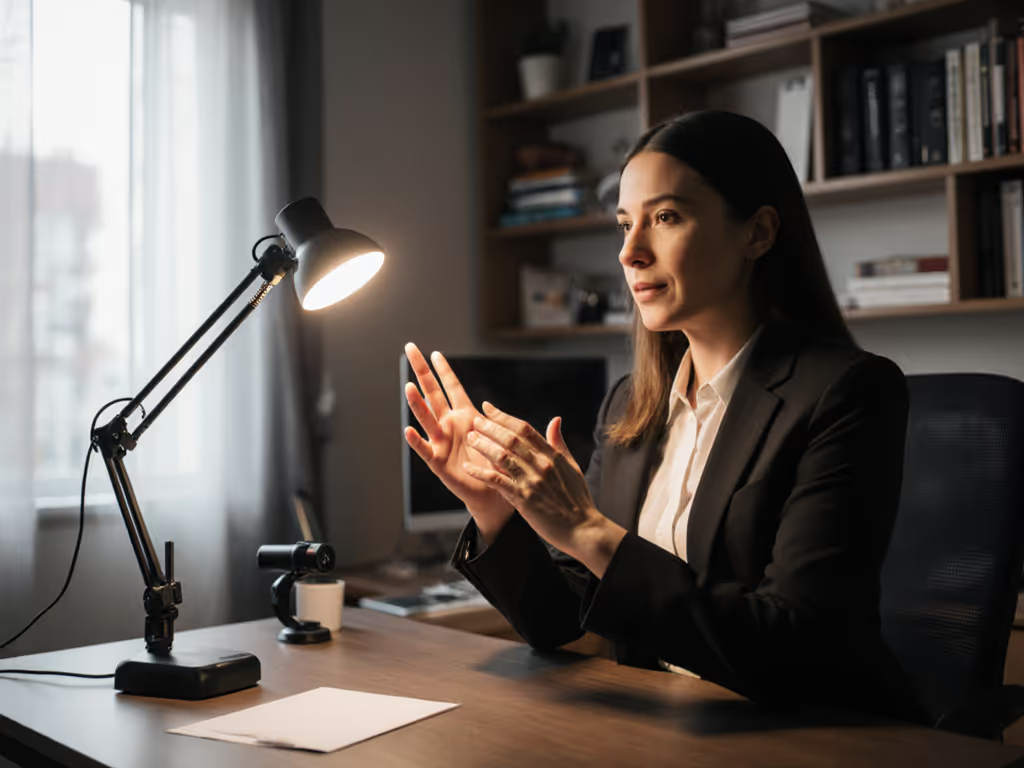
Picture this: You're hosting a virtual meeting, and the sign language interpreter's hands keep fading into shadow as they form complex signs. You tense up, waiting for the inevitable 'Can you repeat that?' from Deaf participants. Proper sign language interpretation lighting isn't just nice-to-have, it's the difference between inclusive communication and painful exclusion. And facial illumination for ASL? That's non-negotiable. Without clear visibility of expressions and mouth movements, critical linguistic nuances vanish. I've seen teams spend thousands on tech only to overlook the simplest fix: lighting that actually works. Start simple: map your workstyle, then dial lux and CCT.
Sign language isn't just handshapes, it's a full-body language where facial expressions convey grammar, emotion, and emphasis. If interpreters are backlit by a window or buried in shadows, Deaf viewers strain to see subtle cues like raised eyebrows (indicating a yes/no question) or tightened lips (showing frustration). Industry standards specify 10 footcandles (108 lux) of illumination at 48 inches above the floor where the interpreter stands (roughly chest-to-face height). For measurement tips and placement targets, see our 500 lux desk lighting guide. But here's what lab specs won't tell you: uneven lighting creates moving shadows as hands gesture, causing eye fatigue within minutes. A recent study confirmed that inconsistent lux levels above 200 lux cause 37% more comprehension errors during sustained viewing. That's why my sister's simple lamp test (measuring lux across a paper grid) revealed why her 'bright' desk lamp failed: it lit only a 6-inch hotspot, leaving her signing space in dimness.
One change at a time. Don't overhaul your entire setup, test one variable first.
Skip expensive meters. You can diagnose critical lighting flaws using just your phone camera and a notebook:
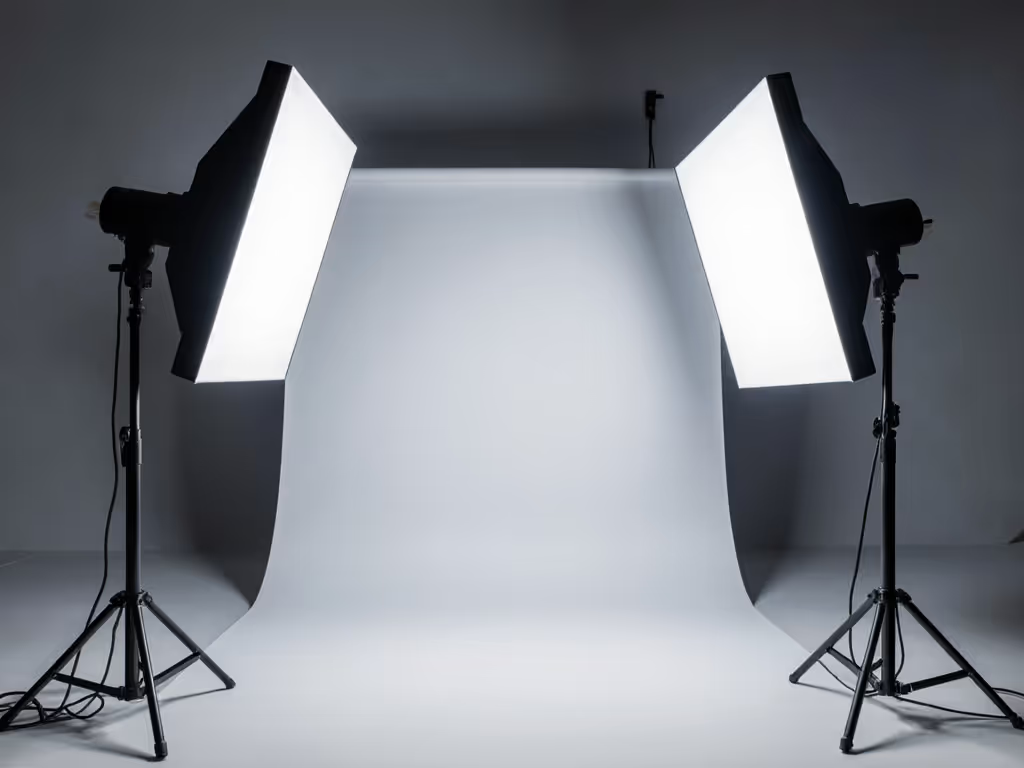
Most setups fail one critical area: facial illumination. Fluorescent office lights create rapid flicker (invisible to you but fatiguing for Deaf viewers), while dimming rooms for presentations often leaves interpreters in darkness. To diagnose and eliminate flicker, use our LED driver flicker guide. Here's how to solve it without expensive gear:
For home offices: Tape a $15 smartphone ring light below your monitor (not above). Aim it upward at your face, this mimics professional film lighting. Test by making exaggerated expressions ("Surprise!" or "Confused?"). If your eyes or mouth details vanish, lower the light's intensity. Bonus: Wear a solid-color shirt (navy > black) to contrast with skin tones, no distracting logos or patterns.
For shared meeting rooms: During hybrid events, never dim lights below 50 lux for the interpreter's zone. If your AV system lacks dedicated interpreter lighting (a common oversight in ASL interpreter workspace design), use clamp lights with daylight-balanced bulbs (5000K) mounted on podiums. I've seen teams repurpose library task lamps, just ensure the beam covers from waist to head without spill onto projection screens.
For video fatigue: If Deaf participants complain of headaches, measure color temperature. Lights above 6500K (bluish) strain aging eyes, common in audiences over 45. Switch to 4000K bulbs for warmer, gentler facial illumination for ASL. Learn how to match color temperature by task in our Kelvin selection guide. Pro tip: Ask interpreters what they see. If they're squinting at documents, attendees can't see subtle signs.
Virtual meetings amplify lighting flaws. A 2025 accessibility report found 68% of interpreters experience visibility issues during Zoom calls, mostly due to their own lighting. Yet 90% of hosts never ask interpreters to test their setup first. Don't be that host. Before your next call:
Require interpreter lighting checks 10 minutes early. They should see their own hands clearly in a mirror placed at viewer height.
Ban backlighting permanently, even for "professional" home offices. That lovely window behind your interpreter? It's rendering their face a silhouette. Move them facing the window, or close blinds. For daylight integration without glare, see our daylight-desk balance guide.
Avoid mixed temperatures. If conference room lights are 3500K but the interpreter uses 5000K, color shifts confuse lip-reading. Standardize all bulbs in the sign language interpretation lighting path.
Remember: Clarity beats complexity. I've watched groups abandon flashy AV systems because a $20 desk lamp (positioned with care) made interpreters instantly visible. When my sister finally tried that dimmable lamp with even beam spread, she read for two hours without rubbing her eyes. That's the power of getting lighting right, not fancy.
You don't need a lighting overhaul. Today, do one thing: Test your interpreter's facial illumination during your next meeting. Watch if their expressions stay visible during animated signing. If not, adjust one light source. One change at a time. For deeper guidance, explore the W3C's Sign Language Interpretation Checklist, it breaks down lighting standards by venue type with real-world examples. Because when interpreters shine, everyone understands.
About the author: Sofia Nguyen builds frameworks that turn lab metrics into lighting decisions for real desks. Her sister still asks for "lamps that won't hurt."