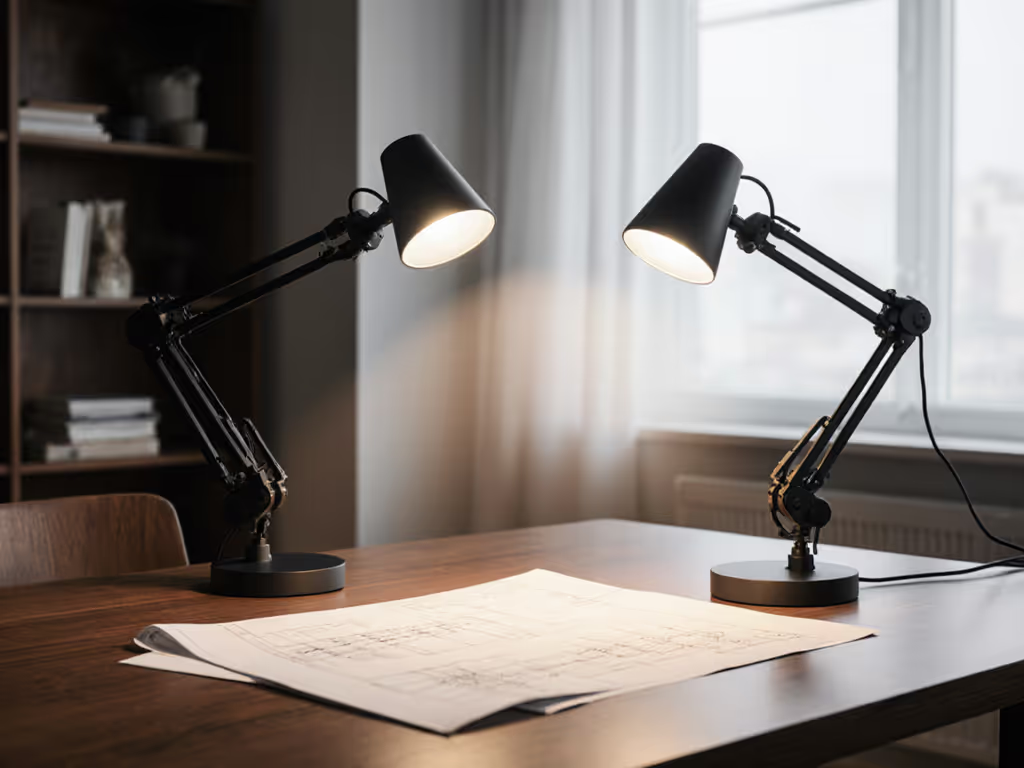
Articulated vs Telescoping Lamp Arms: Stability and Reach
28th Apr•10 min read

Circular vs linear light bars dominate the LED desk lighting category, yet most buyers never ask the one question that determines whether their desk will be uniformly lit or a patchwork of hot spots and shadows: What beam shape will actually reach my work surface evenly?
I've logged lux readings across hundreds of desks, scribing grids to map where light actually falls versus where the marketing specs promised it would. A "1200-lumen" pendant above my desk looked impressive in a showroom, but under real conditions, it threw violent peaks over the center with caves of underlit space at the edges. The moment I swapped to a tool designed for uniform, stable illumination at the desk plane itself, reading speed improved and the end-of-day fatigue vanished. This isn't anecdotal relief; it's what happens when you measure at the desk, not the box: desk-level lux, not marketing lumen.
Circular and linear light bars each have a physics-driven story. Understanding that story (before cost, aesthetics, or brand loyalty enter the picture) separates a lamp that performs from one that merely glows.
A circular light bar (typically 150-200 mm diameter, with an LED array distributed around a central axis) spreads light in a radial, cone-like pattern. For deeper lab data on how beam shape affects spread, see our circular vs linear beam spread analysis. The beam angle is usually symmetric in all directions (often 100-120°), which means photons scatter uniformly outward and downward. At a 40 cm working distance (a typical arm's-length desk reach), a medium-brightness circular bar projects a roughly circular footprint on your work surface.
Key metrics for circular bars:
A linear light bar (typically 300-600 mm long, 30-60 mm wide) emits light along its length via a row of discrete or clustered LEDs behind a diffuser. The beam is asymmetrical by design: tighter along the bar's length, wider perpendicular to it. A well-engineered linear bar produces a rectangular or oblong footprint on the desk.
Key metrics for linear bars:
Raw lumens mean nothing if light isn't evenly distributed. For a clear explanation, see our Desk Lamp Specs Guide: Lumens vs Lux Explained. A desk task like reading, coding, or drafting requires ≥500 lux minimum at the work surface, with uniformity (U₀) of at least 0.6 across the usable area. Below that threshold, your eyes adapt to bright spots and dim patches, causing fatigue and errors.
The radial symmetry of a circular bar is both a strength and a weakness. It means you can rotate the lamp and get the same light profile in any rotational direction, which is useful if you're uncertain about lamp placement or if your desk layout shifts.
However, the physics of a cone-shaped beam creates significant center-to-edge falloff. A 150 mm circular bar at mid-brightness typically delivers:
That edge value falls short of 500 lux, meaning if your keyboard or notepad is positioned at the edge of the lit area, you're in an underlit zone. Your eyes strain to compensate. Shadows cast by your hands or a monitor arm amplify the problem because the circular beam leaves gaps.
A linear bar's elongated shape aligns naturally with a horizontal desk workspace. Because the LEDs run the length of the bar and diffusion is optimized along that axis, the light spreads more evenly front-to-back and left-to-right across your workspace.
A well-tuned 400 mm linear bar at mid-brightness typically delivers:
The linear bar clears the 500 lux threshold across most of its footprint and achieves a uniformity that matches IES guidelines for detailed visual tasks. Shadows still exist, but they're less disruptive because the elongated beam fills larger areas with adequate light.
Compact desks and single-monitor setups: If your workspace is small and your task light only needs to cover a tight area (e.g., a small drawing pad or a single laptop), a circular bar's simple, symmetric beam fits the geometry. The radial profile means you can position the lamp more freely without worrying about a "long" or "short" side.
Shared or multipurpose desks: When a lamp moves between different desk orientations or users, the rotational symmetry of a circular bar removes one variable from the setup equation.
Aesthetic minimalism: Circular bars are compact and often appear as a sleek orb or pendant, fitting minimalist desk aesthetics. However, aesthetics never override desk-level performance; a beautiful lamp that underperforms is a tax on your eyes.
Dual-monitor or wide-desk setups: The beam concentrates in the center, leaving outer edges (where your keyboard and secondary monitor may sit) underlit. You're forced to either move the lamp closer (raising glare risk) or accept poor uniformity.
Shadow persistence: The cone-shaped beam creates a larger cone of shadow beneath the lamp. Hands, cables, or a monitor arm cast sharp, distracting shadows because the light doesn't spread laterally enough to fill the gaps.
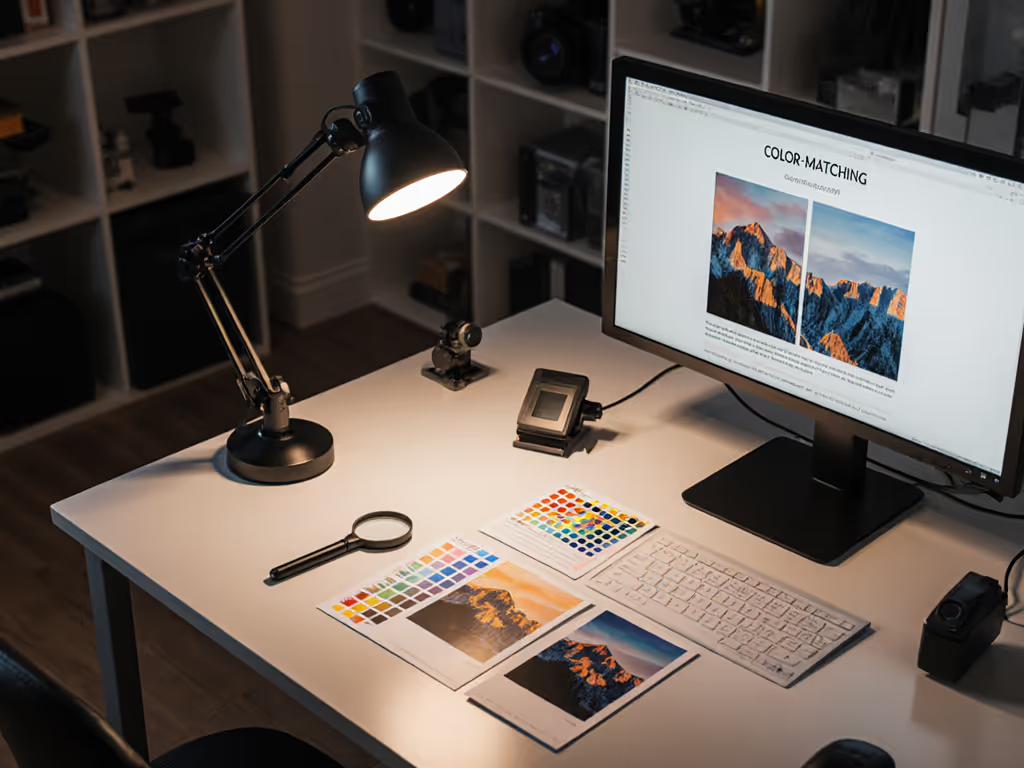
Color-critical or detail work: Creatives, engineers, and hobbyists doing precision tasks (model painting, photo retouching, circuit inspection) often need light that covers a wide, even area without having to reposition every few minutes. Circular bars force repositioning and still don't guarantee edge uniformity.
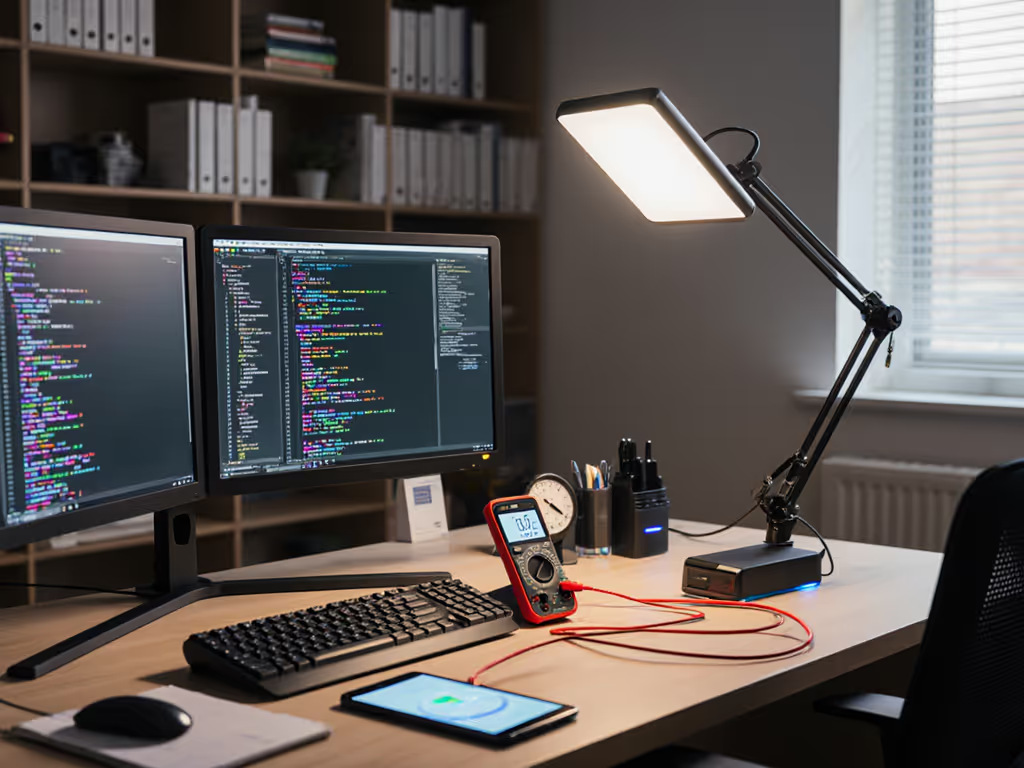
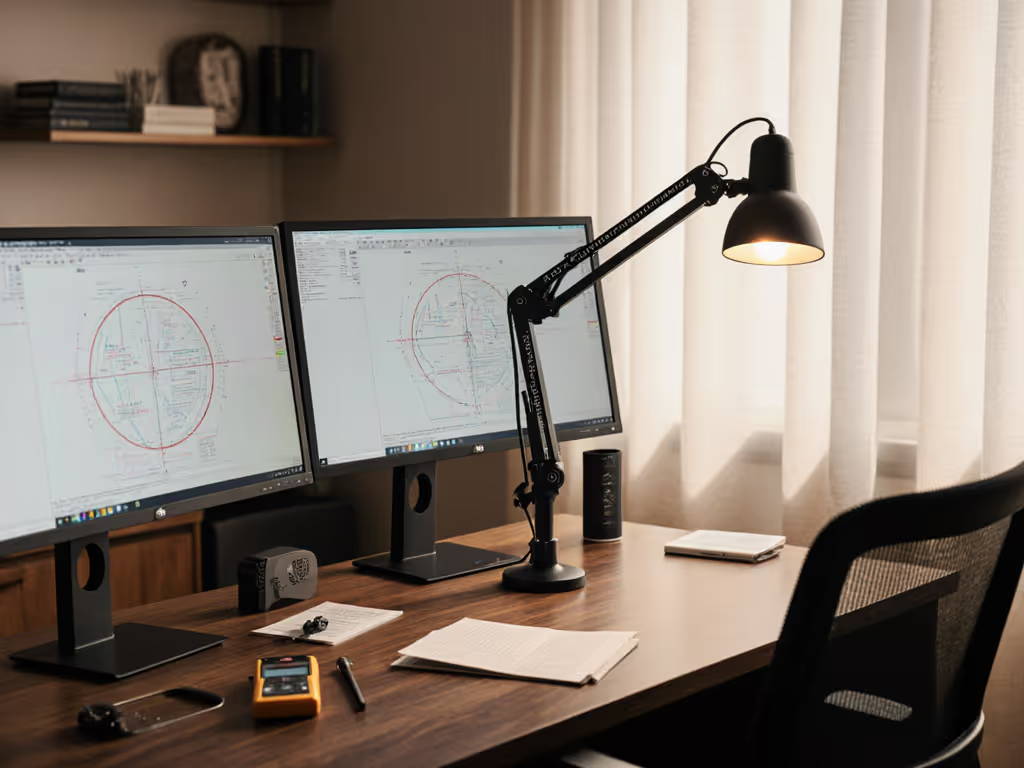
Dual monitors and wide desks: The elongated beam aligns with a horizontal workspace, delivering even coverage across multiple displays and a wide keyboard area. A 400-500 mm linear bar typically covers a desk arc of ~800 mm horizontally at 40 cm (enough for two standard monitors plus peripherals). For placement details and glare control around multiple displays, see our dual monitor lighting guide.
Shadow elimination: Because the linear beam spreads along the length of the bar, shadows cast by hands or cables fall into the ambient light rather than the deep shadow cone of a circular beam. The result: fewer blind spots and less eye strain from shadow-induced dark adaptation.
Sustained deep work: For tasks demanding 4-8 hours at the desk (programming, writing, design), uniform illumination reduces eye fatigue. The linear bar's better uniformity (U₀ = 0.65-0.75) means your eyes don't constantly re-adapt to bright and dim patches. Fewer errors, better flow, longer focus sessions.
Color-accurate work: Photo editors, painters, and material specialists benefit from the linear bar's wider, more even light field. Color assessment is more reliable when illuminance is consistent across the viewing area.
Very small desks: If your workspace is <500 mm wide, a 400 mm linear bar may be overkill, and its length might interfere with monitors or clutter your footprint. A smaller circular bar could be more practical.
Desk orientation sensitivity: A linear bar has a "strong" direction (along its length) and a "weak" direction (across its width). If your desk setup rotates frequently or your workflow shifts between portrait and landscape work, the bar's orientation becomes a constraint. You can't simply rotate a linear bar and expect the same coverage pattern.
Ambient space: In a very bright room, a linear bar's advantage in uniformity is less critical because ambient light already fills some of the dark patches. However, in dim environments or under screen-heavy work, the linear bar's edge coverage is a real advantage.
Circular beams cast a large cone of shadow directly beneath the lamp. If the lamp is mounted 40 cm above your desk, that shadow zone might be 300-400 mm in diameter, potentially covering your entire keyboard. Shadows from your hands, a cup, or monitor cables fall within this cone and become dark, high-contrast zones. Minimize these contrast swings with the desk lamp placement science principles. Your eyes must constantly adjust between the lit desk area and the shadow, causing fatigue.
Linear beams orient the light along one axis, so the shadow zone is thin and linear (along the bar's length) rather than circular. The area perpendicular to the bar stays lit even if something blocks the direct line. For example, if your pen is positioned in the bar's length, it casts a sharp shadow; if it's positioned to the side, it barely darkens at all. This asymmetry is actually an advantage because it means fewer critical areas fall into deep shadow.
For a standard double-monitor desk (1200 mm wide, 600 mm deep):
Circular bar (200 mm, mid-brightness): Footprint ~550 mm diameter. Center is well-lit (~650 lux), but only 40% of the desk's horizontal span meets ≥500 lux. The outer 30% on each side is dim (~250-300 lux). You reposition your work or move the lamp closer.
Linear bar (450 mm, mid-brightness): Footprint ~450 mm x 800 mm. Nearly 80% of the horizontal span meets ≥500 lux. You can comfortably place your keyboard and reference materials across a wide area without repositioning.
For a narrow desk (600 mm wide, 500 mm deep):
Circular bar: Adequate, but still shows center-to-edge falloff. Works better because the desk is already small.
Linear bar: Over-provisioned in length but still effective. Some light spills off the desk edges, but the even coverage in the area you use is a plus.
But verify first: Tape a grid on your desk, measure lux at the corners and center with a smartphone app or meter, and confirm uniformity. Don't assume.
Some desks benefit from both. A circular bar overhead for ambient fill, paired with a linear bar as the primary task light, gives you directionality (linear for deep work) plus symmetry (circular for casual browsing or when you step back). This is overkill for most, but it's the framework to think about: match beam geometry to your actual desk footprint and task spread.
Ignore lumens. Measure these: To avoid invisible flicker at the source, read our LED driver technology guide.
| Metric | Benchmark | Why It Matters |
|---|---|---|
| Lux @ 40 cm (center) | ≥ 500-600 | Meets task visibility threshold |
| Uniformity (U₀) | ≥ 0.6 (0.65+ is better) | Edge light vs. center light; lower = more falloff |
| Beam width (perpendicular to bar for linear; diameter for circular) | 500-700 mm @ 40 cm | Matches your desk width |
| Beam length (linear bars only) | 600-1000 mm @ 40 cm | Covers your workspace depth |
| Flicker (PstLM or SVM) | < 1 (invisible; ideally DC) | No eye strain from invisible flicker |
| CRI / R9 | 90+ / 50+ | Accurate color for detail work |
| CCT shift during dimming | ±300 K max | Consistent warmth as you adjust brightness |
Neither circular nor linear is objectively "better." A circular bar is simpler and cheaper; a linear bar is measurably more uniform and better suited to wide desks and deep work. The deciding factor is your actual workspace geometry and task profile.
The temptation is to buy based on specs ("900 lumens!") or design ("looks sleek"). Resist it. Instead, measure your desk first. Map where your keyboard, monitors, and reference materials sit. Then choose the beam geometry that delivers ≥500 lux with uniformity ≥0.6 across that entire zone at your typical working distance.
A linear bar that achieves U₀ = 0.68 at 500+ lux across your full desk will outperform a circular bar rated at 1200 lumens but delivering only 0.45 uniformity. You'll notice it within a week: fewer repositions, sharper focus, no end-of-day headache.
The best lamp is the one optimized for your desk, not the one that looks best in a box.