Desk Lamp Photobiological Safety: Standards Explained
6th May•8 min read
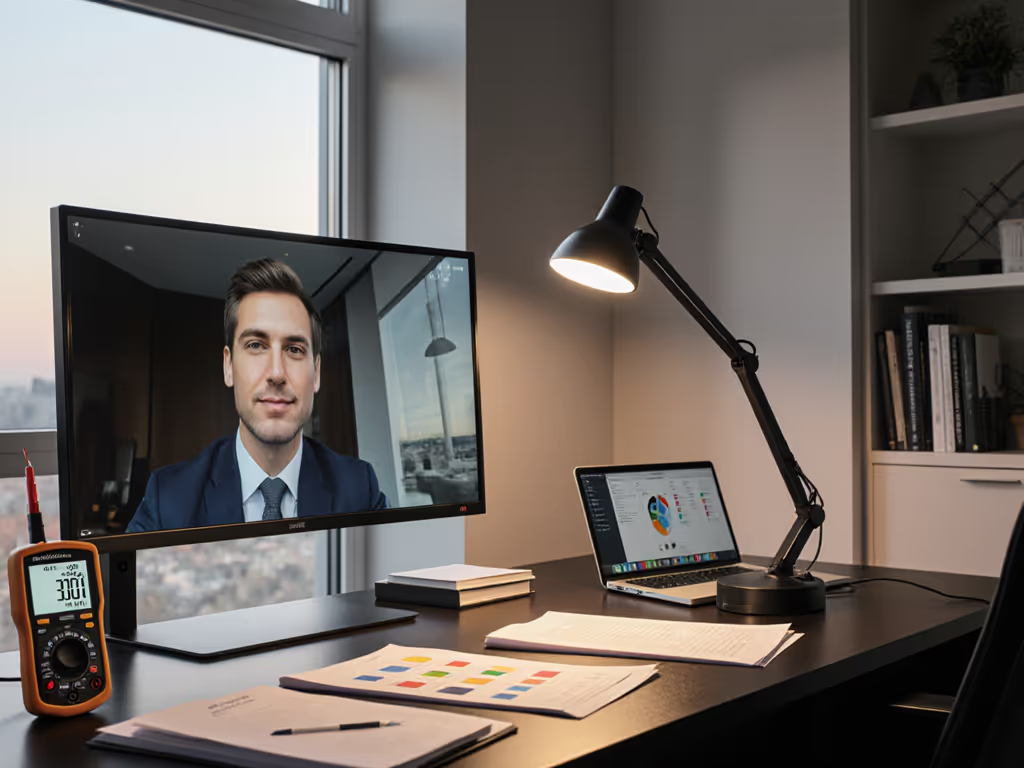
Hybrid work lighting solutions demand more than a single lamp. When you're switching between focused reading, on-camera video calls, and creative detail work (often within the same hour), your lighting must adapt without sacrifice. This article explores how task-to-video lighting transitions work in practice, what measurements matter, and how to avoid the costly pattern of redoing color work under different light or reshaping how you sit to escape glare during calls.
Traditional desk lighting was built for one mode: reading. Modern hybrid workers face a collision: the illuminance and beam shape needed to read fine print or evaluate color aren't the same as what flatters your face and avoids screen glare on a video call. Add inconsistent color temperature (CCT), spiky spectra with weak reds, and uneven beams, and you're caught between eye strain during deep work and unflattering, blown-out video that broadcasts fatigue.
The core insight is that uniform beams protect color judging, and they also reduce glare on monitors during calls. When light is scattered or overly concentrated, you either squint toward task work or reposition constantly to escape hot spots that wash out your monitor. Both eat productivity time and leave your eyes tired by afternoon.
The answer depends on both task and age. Recent workplace lighting guidelines suggest 300 to 500 lux for general screen work, but detail-critical tasks (reading small text, inspecting color samples, or retouching images) often demand 750 to 1,000+ lux at the work surface. For users with presbyopia (common after 45), the need for higher illuminance is well-documented; reduced pupil size and lens density mean less light reaches the retina.
The key is measuring at your actual working distance and desk height, not at the 1-meter distance many lamp specs cite. A lamp rated for "1,500 lux" at 1 meter often delivers only 300 to 400 lux when positioned 2 feet in front of you. This gap is why spec inflation is a widespread frustration among knowledge workers: the lamp looks promising until it arrives and fails to light your page clearly.
A practical starting point: aim for at least 500 lux on the work plane during focused tasks, verified with a simple lux meter or smartphone app if you have calibration tools. For video calls, you need less light on the desk itself, the priority shifts to even fill on your face and avoidance of backlighting glare.
Task lighting prioritizes downward illuminance with controlled beam spread, minimizing spill onto your monitor or surroundings. Video lighting, by contrast, needs to fill your face evenly (typically a wider, softer beam) and avoid creating shadows that accentuate fatigue. In a hybrid setup, these demands can conflict: a tight, high-lux beam perfect for reading will cast harsh shadows on your cheekbones during a call. For meeting-specific picks and setup tips, see our video conferencing lighting comparison.
The practical solution is a dynamic workspace lighting approach: use a primary lamp with adjustable beam or distance that can dial between modes, plus optional secondary fill or rim light. For example, position a lamp 2 feet in front of you at a 30-degree angle for task work; for video calls, move it slightly wider or add a second low-power fill source (such as a small LED panel or tube light set to low output) that bounces off the wall behind you or a reflector.
Many remote workers also discover that bouncing task light off a white surface (a wall, ceiling, or reflector panel) creates softer fill during calls without sacrificing work-plane lux on the desk itself.
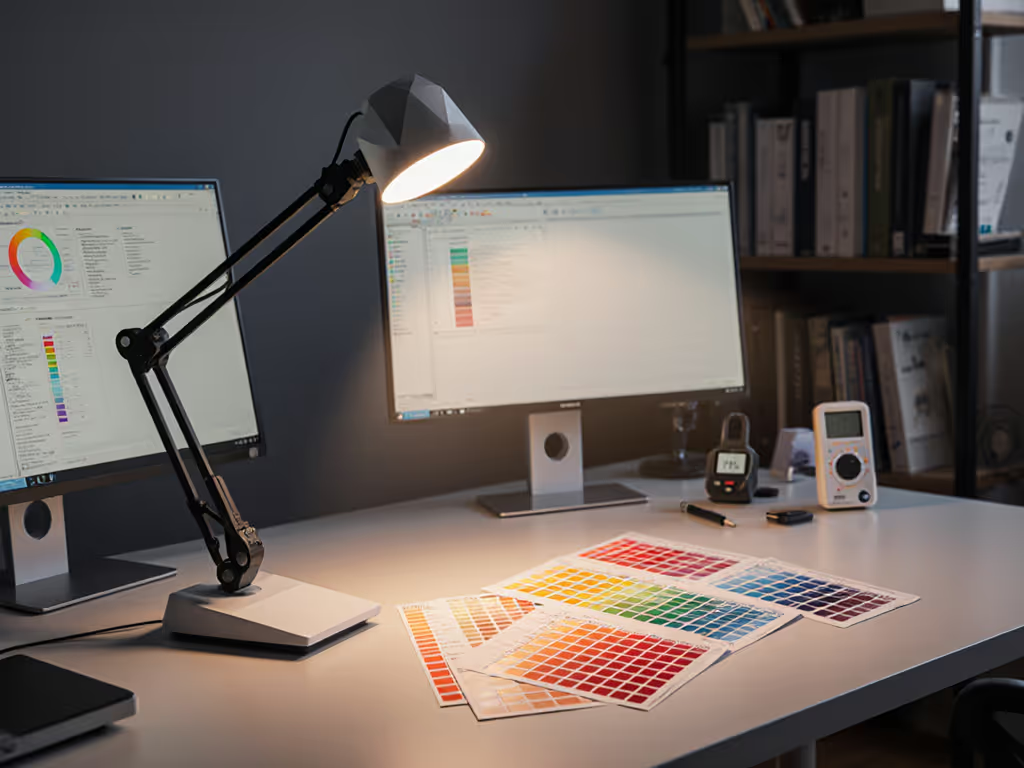
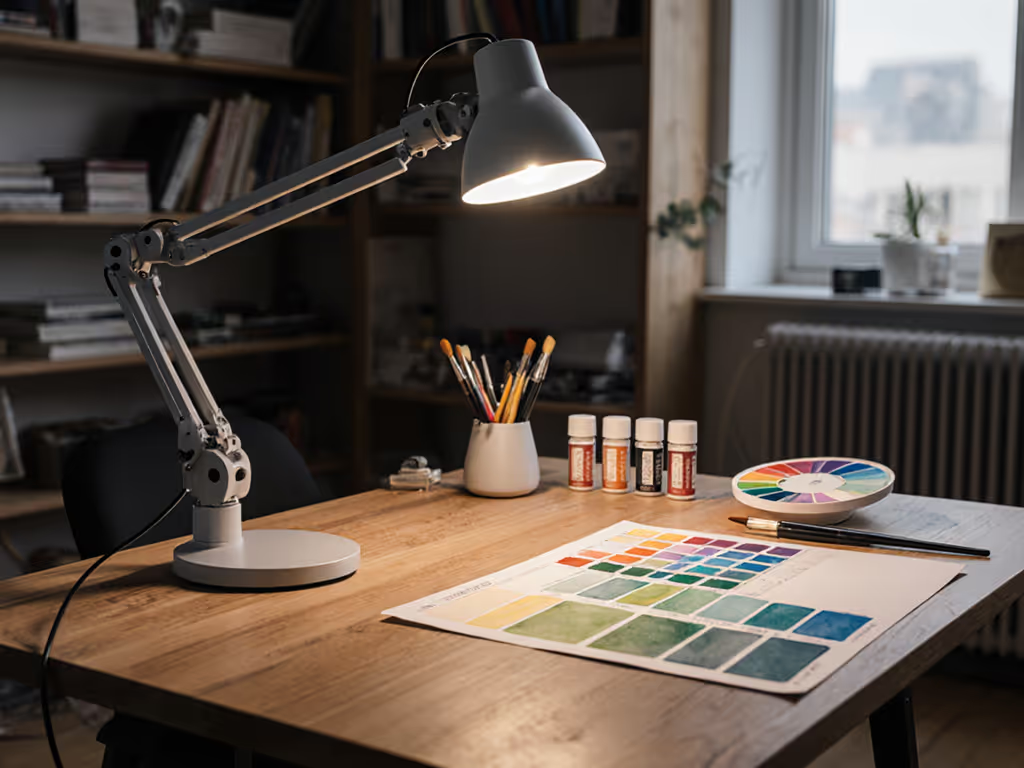
This is where spectrum-first analysis becomes critical. During detailed work (especially color-critical tasks like retouching, fabric selection, or model painting), weak red rendering (low R9) will mislead your eye. You'll make color decisions that look wrong under different light sources, forcing rework. A lamp with CRI 90+ and strong R9 (ideally R9 > 50) is non-negotiable for these workflows.
During video calls, high CRI is equally important but for a different reason: your skin tone and the colors around you will look more natural and trustworthy to the viewer. Cool, spiky-spectrum LEDs often make people appear sallow or over-edited, eroding the credibility that hybrid work relies on.
Color temperature (CCT) also matters. Cooler light (5,000 to 6,500 K) supports alertness during focused work but can feel harsh and unflattering on camera, especially at night. Warmer light (3,000 to 4,000 K) is gentler on the eyes and more flattering for calls but may reduce reading speed for fine detail work. The flexibility to adjust CCT or layer warm and cool sources (warm on your face, cooler on the page) gives you the best of both modes.
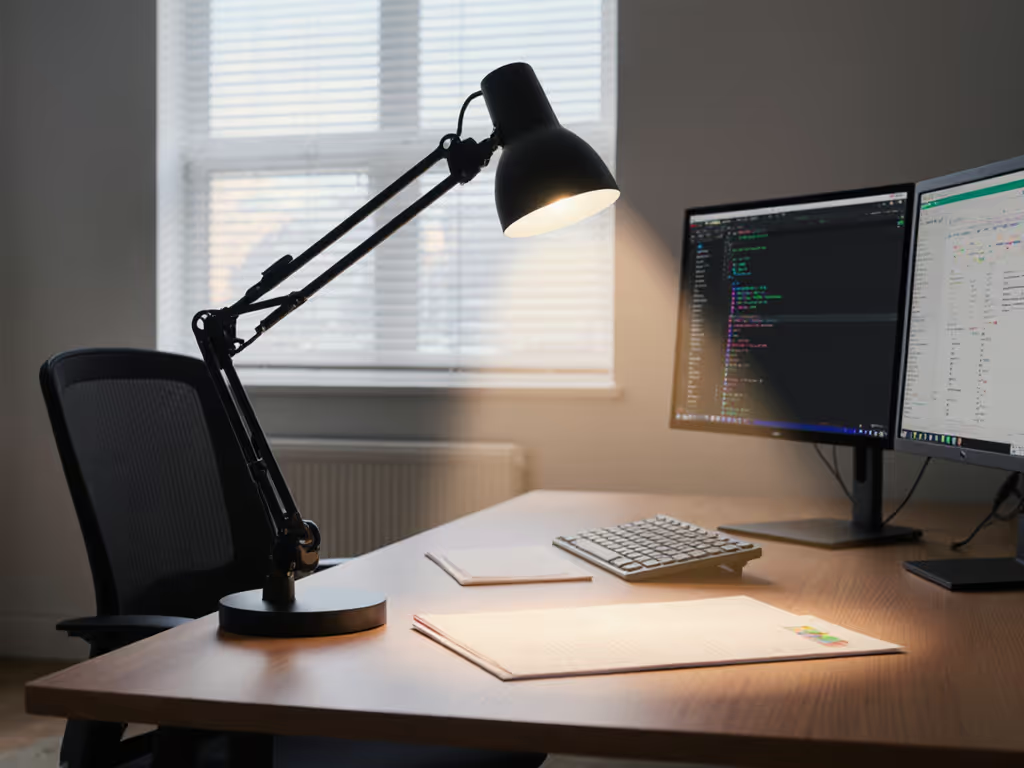
One of the most common hybrid work lighting mistakes is placing your lamp directly behind or above the monitor, which reflects into your eyes or washes the screen image. During video calls, this also sends light straight into your camera, often overexposing your face and underexposing the background.
The standard solution is a seamless lighting transition between modes: position your lamp to the side (not behind or above the monitor) and adjust its angle so light reaches your work surface without reflecting off the screen. For multi-screen setups, our dual monitor lighting guide shows placements that eliminate cross-screen glare. For video calls, you may then add a secondary fill light, often a small LED tube or light bar positioned above or beside the monitor to soften shadows, kept at low output to avoid screen washout.
Asymmetrical beam patterns (lamps designed to send more light forward and down, less to the sides and back) are ideal here. They light the desk without spilling onto glossy surfaces.
Hybrid workers who toggle between reading, video, and creative work benefit from presets: one-touch switching to a saved brightness and CCT for each mode. Some advanced lamps offer memory functions that recall your last setting; others allow app-based scenes (read mode: 800 lux, 4,000 K; call mode: 500 lux, 3,500 K; creative work: 1,000 lux, 5,000 K, full CRI emphasis). The fewer steps between modes, the more likely you'll actually use them rather than compromising with one middle-ground setting.
Smart bulbs and fixtures with voice control also appeal to hybrid workers in noise-sensitive shared spaces, allowing silent, hands-free adjustment without reaching for a switch or phone every time you shift tasks.
Uneven beams create hot spots and shadows. A hot spot on your page forces your eye to work harder to extract contrast; a shadow means you reposition your head or arm to catch the light. Both reduce sustained focus and invite headaches. For hybrid work, prioritize lamps with even, wide-enough beams to cover the entire usable desk area (typically 18 to 24 inches wide) without significant falloff at the edges.
TM-30 explained plainly: while CRI (Color Rendering Index) gives you a single 0 to 100 number, TM-30 measures two axes: fidelity (Rf, how close colors match their reference) and gamut (Rg, how vivid they appear). Both matter. High Rf means your color judgments during retouching won't lead to surprises under different lighting. Strong Rg means your creative work won't look washed out. For hybrid workers, aiming for Rf > 90 and Rg near 100 ensures both accuracy and vibrancy.
Flicker is imperceptible to most people at rest but becomes an issue during video calls: camera sensors pick up PWM (pulse-width modulation) flicker, banding the image and making you appear to strobe or flicker on screen. To understand the cause and how to spot it before buying, read our LED driver tech guide. The fix is either high-frequency PWM (above 3,000 Hz, often undetectable on camera) or true DC dimming (no flickering at any level). Always verify this before purchase; it's a make-or-break spec for creators and remote presenters.
Start with a primary lamp offering 500 to 1,000 lux at your working distance, CRI 90+, strong R9, adjustable brightness, and warm-dim or CCT tuning. Position it 2 feet in front of you at 30 degrees off-center. For video calls, reduce output to 50 to 60% and let natural window light (if available) provide supplementary fill. If your setup is entirely indoor, add a second small LED tube or light bar set to low output as a fill, bounced off a white surface to soften shadows.
Verify your setup at both tasks: measure lux on your desk with a meter; take a screenshot of yourself on a video call to check facial lighting balance and screen glare. Adjust position or output until both feel natural and fatigue-free.
Hybrid work lighting is ultimately about control: the ability to dial in the right spectrum, output, and beam pattern for each task without compromise. As you refine your setup, consider exploring TM-30 and R9 specs for any new fixtures, testing beam uniformity at your desk distance, and documenting your baseline lux and CCT for each mode. This framework protects your time, your eyes, and your confidence in the color and video quality that your hybrid role depends on. If you work with a team, standardizing these principles across shared desks can align everyone's comfort and output quality.