Test Your Desk Lamp Color Accuracy: CRI, TM-30, R9
24th Apr•7 min read
When eye strain creeps in during long work sessions, the impulse is often to blame the screen or your own eyes. But the root is usually simpler: your light source isn't stable, predictable, or properly tuned to your task. Comfort starts with flicker, glare, and CCT you can tune. Understanding photobiological safety standards (especially IEC 62471) transforms how you evaluate desk lamps and, ultimately, how your eyes feel at the end of a twelve-hour stretch.
This guide walks through the standards that matter, what they actually protect against, and how to translate lab metrics into real desk relief.
Q: Is photobiological safety just another buzzword for "blue light is bad"?
No. Photobiological safety refers to the potential for optical radiation from light sources (typically in the wavelength range between 400 and 500 nanometers, but also ultraviolet and infrared), to cause photochemical damage to the eye and skin under reasonably foreseeable conditions of use. It's a framework for measuring and classifying actual risk, not marketing fear.
The international standard IEC 62471 (and its EU counterpart EN 62471) provides the technical foundation. Rather than singling out blue light as inherently dangerous, the standard evaluates the entire optical spectrum emitted by LEDs, incandescent, fluorescent, and discharge sources. The key finding: LED lamps for general lighting are not different from conventional lamps in terms of photobiological safety and can be considered safe under normal desk-use conditions.
Where the standard becomes practical for you is in its classification system. The exposure limits and risk groups tell you whether a lamp requires protective labeling, what distance it's rated for, and how long safe exposure should last. For desk work, this means identifying lamps rated in the Exempt Group or Risk Group 1 (Low-Risk), which pose no concern during typical office or home use.
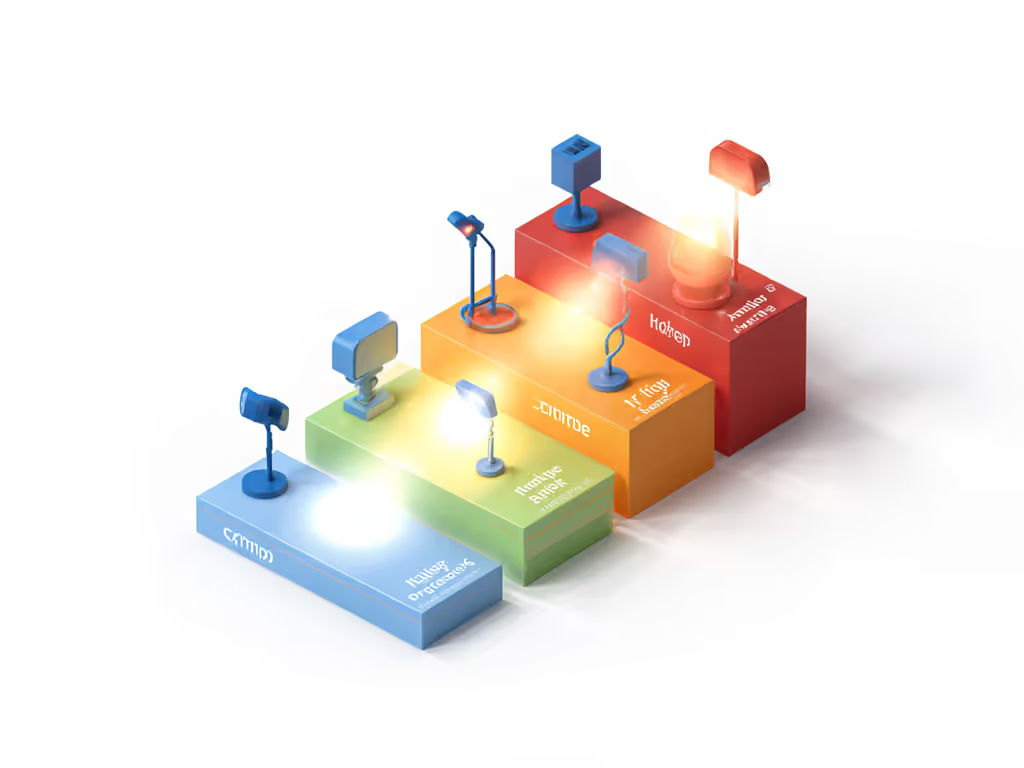
Photobiological safety standards classify lamps into risk groups that inform safe exposure duration and labeling requirements (not fear, but framework).
Q: What are the four risk groups, and what do they mean for my desk?
The standard defines four classifications:
Desktop and task lamps sold for general office or home use nearly always fall into Exempt Group or Risk Group 1. Manufacturers test lamps by measuring spectral radiance and irradiance across the relevant wavelength ranges and comparing them against established exposure limits. A lamp assigned to Exempt Group has been verified not to exceed any photobiological hazard threshold.
What matters: A credible lamp listing (marked with IEC/EN 62471 compliance or citing Risk Group classification) provides confidence that the light source has been independently evaluated. For electrical certification basics that complement these ratings, see our UL, CE, and ETL safety guide. If a lamp carries an RG2 label, it requires a warning symbol and is generally not appropriate for direct viewing or unrestricted use (something you'd avoid for desk lamps anyway).
Q: Photobiological safety seems to focus on blue light hazard. How does flicker fit in?
Photobiological safety and flicker are separate but complementary concerns. IEC 62471 measures the hazard from continuous optical radiation (the steady spectrum emitted by the lamp). Flicker, however, is a temporal phenomenon: the lamp's brightness oscillating many times per second, often imperceptible but registered by the eye and brain.
High-frequency flicker (above ~3 kHz) is inert to human perception and poses no harm. Low-frequency flicker (below a few hundred hertz) (especially at low brightness settings on dimmed LEDs using PWM) creates perceptual and neurological stress. You won't see visible strobe, but you'll experience fatigue, eye discomfort, or headaches after sustained exposure.
Many desk lamps use constant-current or analog dimming architectures that maintain stable light output across brightness levels, avoiding flicker entirely. Deep-dive the pros and cons of constant-current vs PWM in our LED driver flicker guide. Others employ high-frequency PWM (10 kHz or higher), which is safe but less elegant than true DC or low-ripple designs.
To evaluate a lamp: Check the spec sheet or manufacturer documentation for dimming method and frequency. If it's labeled as "flicker-free" or specifies PWM frequency above 5 kHz, you're in safe territory. Better still: lamps using analog or non-PWM dimming offer inherent flicker immunity and a soothing cadence under all light levels.
Q: What should I look for on the product page or packaging?
A trustworthy lamp will list one or more of the following:
Red flags: vague marketing claims like "99% flicker-free" without method or frequency stated, missing spectral data, or no mention of compliance standards. A lamp doesn't need to be expensive, but it should be transparent. When you're working at a desk for eight or more hours, you deserve to know how the light you're buying has been measured.
Q: Beyond standards, what can I actually do to feel better at my desk?
Standards tell you a lamp is safe; ergonomic practice tells you how to use it for comfort. Here's a checklist:
Starting Monday, take three actions:
Photobiological safety is engineered comfort: stable light, controlled contrast, and predictable color reduce cognitive load and eye fatigue. Standards like IEC/EN 62471 provide the blueprint. Practical measurement and intentional positioning provide the relief. When you align both, twelve-hour stretches feel humane again.