Desk Lamp Photobiological Safety: Standards Explained
6th May•8 min read
Desk lamp color accuracy and spectrum quality for artists depend on measurable standards that matter far more than brightness alone. A lamp can flood your desk with light yet make colors appear dull, photos look washed out, and skin tones look unnatural (the result of poor spectral composition). Understanding the metrics behind color rendering transforms vague marketing claims into confident purchasing decisions. For a quick refresher on lumens, lux, CCT, and CRI, see our Desk Lamp Specs Guide.
Color rendering isn't decoration. It's the foundation of precision work: reading fine print, editing photographs, evaluating materials, and collaborating on video calls all depend on seeing colors as they truly are. This guide maps the standards and metrics that separate high-quality light from brightness that misleads.
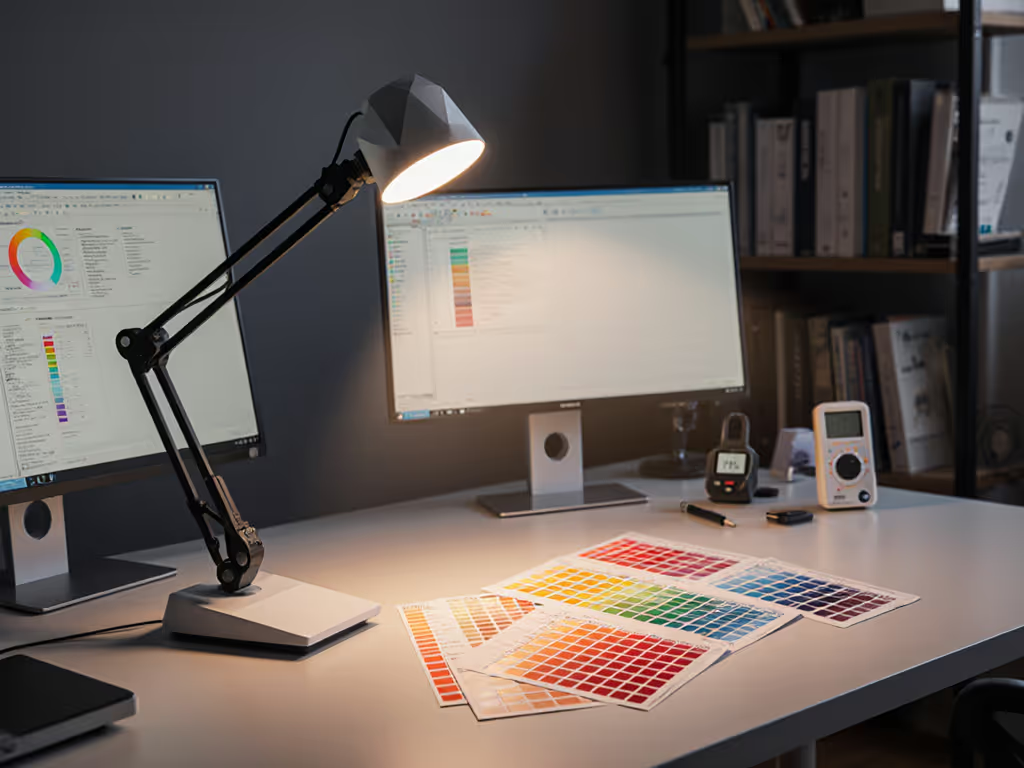
When LED technology first emerged, many manufacturers discovered an uncomfortable truth: a lamp could appear very bright yet render colors poorly. The culprit was spectral power distribution (the wavelengths the lamp actually emits).[1] If your lamp concentrates its output in only certain parts of the visible spectrum (say, blue and green peaks with a gap in red), it cannot reflect red wavelengths back to your eyes when they hit a red object.[9] The result: that red looks dark, muted, or muddy.[9]
This gap between perceived brightness and actual color accuracy led lighting researchers to develop Color Rendering Index (CRI), a standardized measurement that quantifies how faithfully a light source reproduces colors compared to a reference standard (natural daylight, which scores 100).[1][3]
CRI measures color accuracy on a scale from 0 to 100, with 100 representing perfect color rendering identical to sunlight.[3] For desk work, especially tasks involving color judgment, manufacturers and standards bodies now recommend a minimum CRI of 90.[1][4] The difference between a CRI of 80 and 90 is tangible: at 90 CRI, colors appear more vivid and true to life, which is critical for art studios, photography, and any role demanding precise color perception.[4]
CRI works by projecting a light source onto eight standardized color samples (test color samples, or TCS) and comparing how those colors appear under your lamp versus under a reference daylight source.[4] The differences are averaged to produce a single Ra value (the general CRI).[4]
However, CRI has a structural limitation. The metric averages results across all eight test colors, which means a lamp can score respectably even if it renders one or two colors extremely poorly.[5] This is where R9, a specific subset measurement, becomes crucial for your workflow.
R9 measures how accurately a lamp renders strong, saturated reds (the color sample most affected by spectral gaps in LED lamps).[6] Because skin tones contain red undertones, R9 directly affects how natural people look during video calls or in photographs under your lamp.[6] For anyone editing photos, evaluating fabric or paint colors, or presenting on camera, R9 scores matter as much as the general CRI.
A lamp can claim 90 CRI while having a weak R9 (sometimes below 50), leaving reds looking dark or desaturated.[6] When reviewing a lamp's specifications, always check the data sheet for the R9 value separately (it won't appear on packaging).[6] Look for R9 scores of 90 or higher for color-critical work.[6]
As LED technology matured, researchers recognized that CRI, which relies on only eight test colors, was insufficient for evaluating how well modern solid-state lighting actually performed on real-world tasks.[5][8] This recognition led to the development of TM-30-15, a newer standard that uses 99 color samples derived from actual objects and environments.[8]
TM-30-15 offers sub-indexes that provide far more detailed information than CRI alone:[8]
When available, TM-30 metrics provide a richer picture than CRI alone, especially for artist color evaluation and photography. However, TM-30 data sheets are less common in consumer products; CRI with separate R9 reporting remains the practical standard for desk lamp selection. For deeper context on how standards evolved from CRI 80-era LEDs to modern TM-30 reporting, see our LED desk lamp evolution explainer.
Start simple: map your workstyle, then dial lux and CCT. If you're unsure how to set color temperature through the day, use our Desk Lamp Kelvin Guide.
The most complete way to understand a lamp's color rendering is to examine its spectral power distribution (SPD), a graph showing exactly how much light the lamp emits at each wavelength across the visible spectrum.[4][9] To understand how different light sources shape SPD and color rendering, compare desk lamp bulb technologies.
Natural daylight produces a broad, continuous SPD that includes energy across all visible wavelengths.[4] Many LED lamps, by contrast, have "peaked" SPDs with distinct bumps at certain wavelengths and dips (sometimes near-zero output) at others.[5][9] A lamp might have strong blue and green output but almost no red, resulting in high brightness but poor color rendering, especially for warm tones.[9]
A high-quality desk lamp should have an SPD that:
If a manufacturer provides an SPD graph in the data sheet, compare its flatness and continuity. Smoother curves generally indicate better color rendering and fewer surprises when you illuminate specific colors.
Understanding these frameworks simplifies the path to the right lamp. Rather than chasing the brightest option or trusting subjective reviews, you can evaluate a lamp against objective standards that map to your actual task.
For spectrum quality for artists and color-critical roles:
For everyone else using a desk lamp:
One change at a time: start by confirming your lamp's CRI and R9 against the manufacturer's data sheet. If colors look off, spectrum quality is the culprit, not brightness.
Color accuracy is measurable, verifiable, and non-negotiable for precision work. The frameworks (CRI, R9, SPD, and TM-30) exist precisely because lab metrics translate directly to what you'll see at your desk. Rather than relying on adjectives like "bright" or "natural," you can now ask the right questions and compare lamps on data that matters.
Your next step: gather the specifications (or request a data sheet from the manufacturer) for any lamp you're considering. Look for that CRI number, hunt for R9, and if available, glance at the SPD shape. These three pieces of information will tell you far more than any product photo or testimonial ever could.